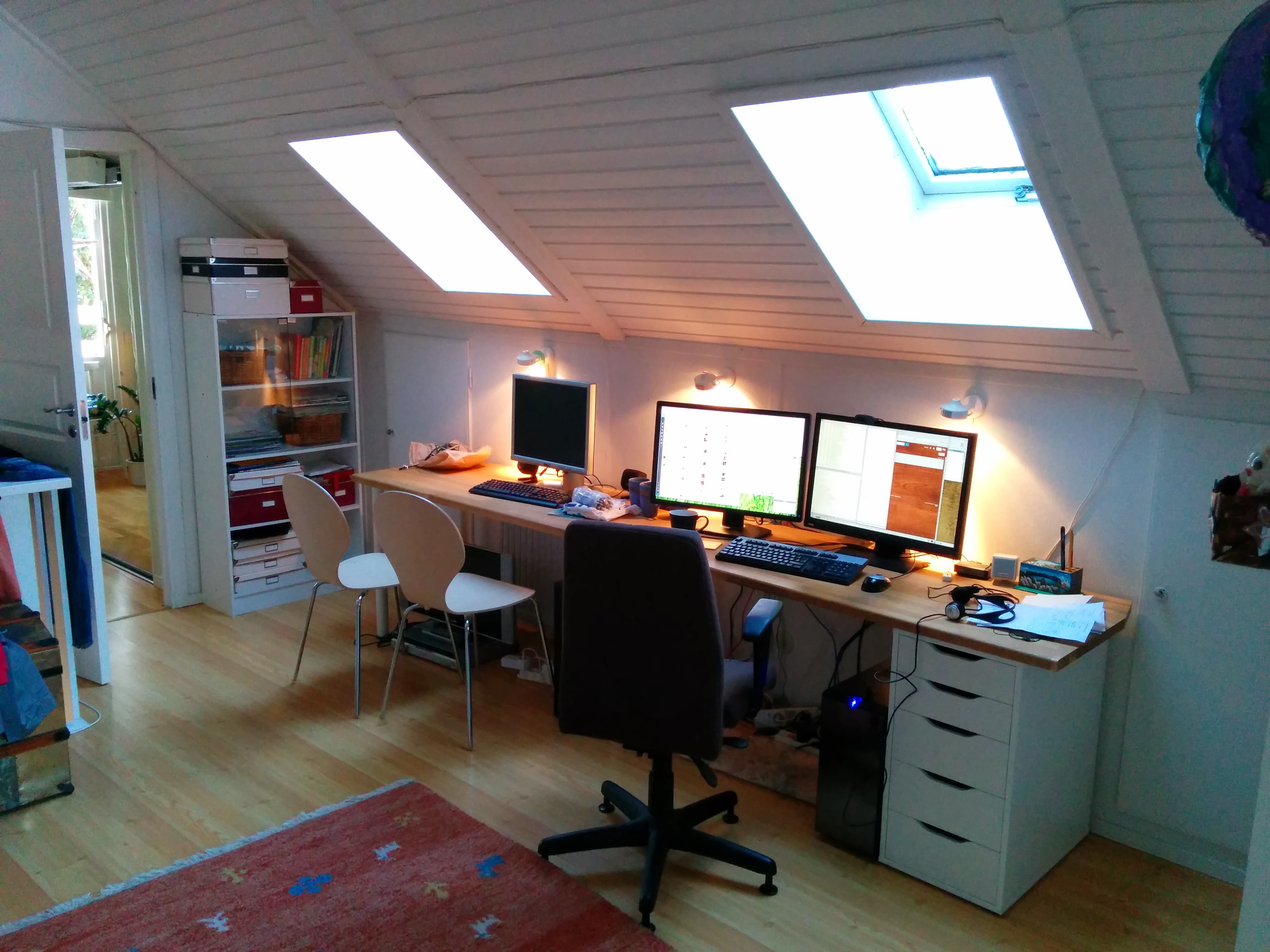
I work in my home office which is upstairs in my house, perhaps 20 steps from my kitchen and the coffee refill. I have a largish desk with room for a number of computers. The photo below shows the three meter beauty. My two kids have their two machines on the left side while I use the right side of it for my desktop and laptop.
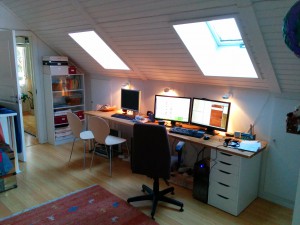
Many computers
The kids use my old desktop computer with a 20″ Dell screen and my old 15.6″ dual-core Asus laptop. My wife has her laptop downstairs and we have a permanent computer installed underneath the TV for media (an Asus VivoPC).
My desktop computer
I’m primarily developing C and C++ code and I’m frequently compiling rather large projects – repeatedly. I use a desktop machine for my ordinary development, equipped with a fairly powerful 3.5GHz quad-core Core-I7 CPU, I have my OS, my home dir and all source code put on an SSD. I have a larger HDD for larger and slower content. With ccache and friends, this baby can build Firefox really fast. I put my machine together from parts myself as I couldn’t find a suitable one focused on horse power but yet a “normal” 2D graphics card that works  fine with Linux. I use a Radeon HD 5450 based ASUS card, which works fine with fully open source drivers.
I have two basic 24 inch LCD monitors (Benq and Dell) both using 1920×1200 resolution. I like having lots of windows up, nothing runs full-screen. I use KDE as desktop and I edit everything in Emacs. Firefox is my primary browser. I don’t shut down this machine, it runs a few simple servers for private purposes.
My machines (and my kids’) all run Debian Linux, typically of the unstable flavor allowing me to get new code reasonably fast.
 My desktop keyboard is a Func KB-460, mechanical keyboard with some funky extra candy such as red backlight and two USB ports. Both my keyboard and my mouse are wired, not wireless, to take away the need for batteries or recharging etc in this environment. My mouse is a basic and old Logitech MX 310.
I have a crufty old USB headset with a mic, that works fine for hangouts and listening to music when the rest of the family is home. I have Logitech webcam thing sitting on the screen too, but I hardly ever use it for anything.
When on the move
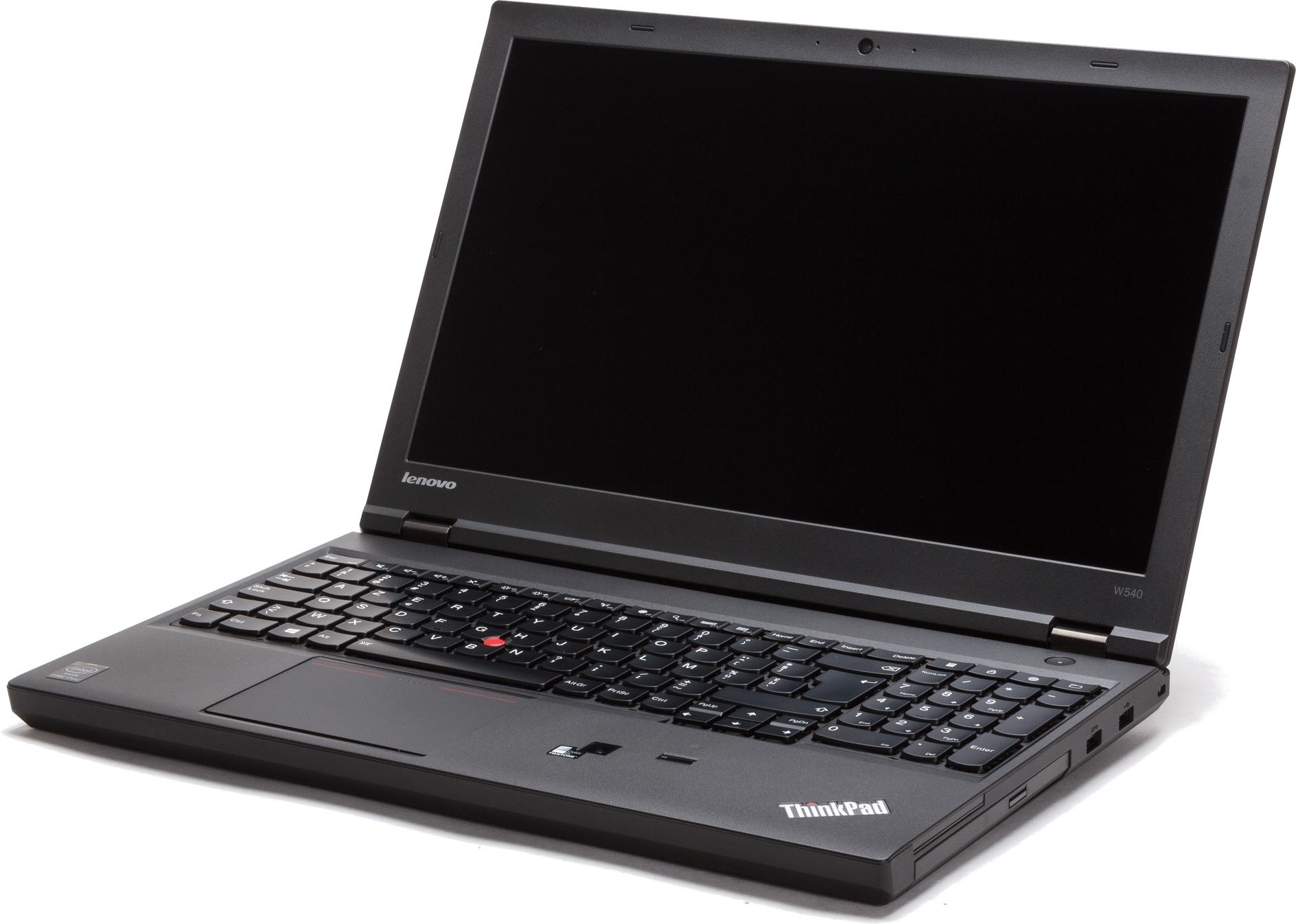
I need to sometimes move around and work from other places. Going to conferences or even our regular Mozilla work weeks. Hence I also have a laptop that is powerful enough to build Firefox is a sane amount of time. I have  a Lenovo Thinkpad W540 with a 2.7GHz quad-core Core-I7, 16GB of RAM and 512GB of SSD. It has the most annoying touch pad on it. I don’t’ like that it doesn’t have the explicit buttons so for example both-clicking (to simulate a middle-click) like when pasting text in X11 is virtually impossible.
On this machine I also run a VM with win7 installed and associated development environment so I can build and debug Firefox for Windows on it.
I have a second portable. A small and lightweight netbook, an Eeepc S101, 10.1″ that I’ve been using when I go and just do presentations at places but recently I’ve started to simply use my primary laptop even for those occasions – primarily because it is too slow to do anything else on.
I do video conferences a couple of times a week and we use Vidyo for that. Its Linux client is shaky to say the least, so I tend to use my Nexus 7 tablet for it since the Vidyo app at least works decently on that. It also allows me to quite easily change location when it turns necessary, which it sometimes does since my meetings tend to occur in the evenings and then there’s also varying amounts of “family activities” going on!
Backup
For backup, I have a Synology NAS equipped with 2TB of disk in a RAID stashed downstairs, on the wired in-house gigabit Ethernet. I run an rsync job every night that syncs the important stuff to the NAS and I run a second rsync that also mirrors relevant data over to a friends house just in case something terribly bad would go down. My NAS backup has already saved me really good at least once.
Printer
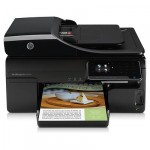 Next to the NAS downstairs is the house printer, also attached to the gigabit even if it has a wifi interface of its own. I just like increasing reliability to have the “fixed services” in the house on wired network.
The printer also has scanning capability which actually has come handy several times. The thing works nicely from my Linux machines as well as my wife’s windows laptop.
Internet
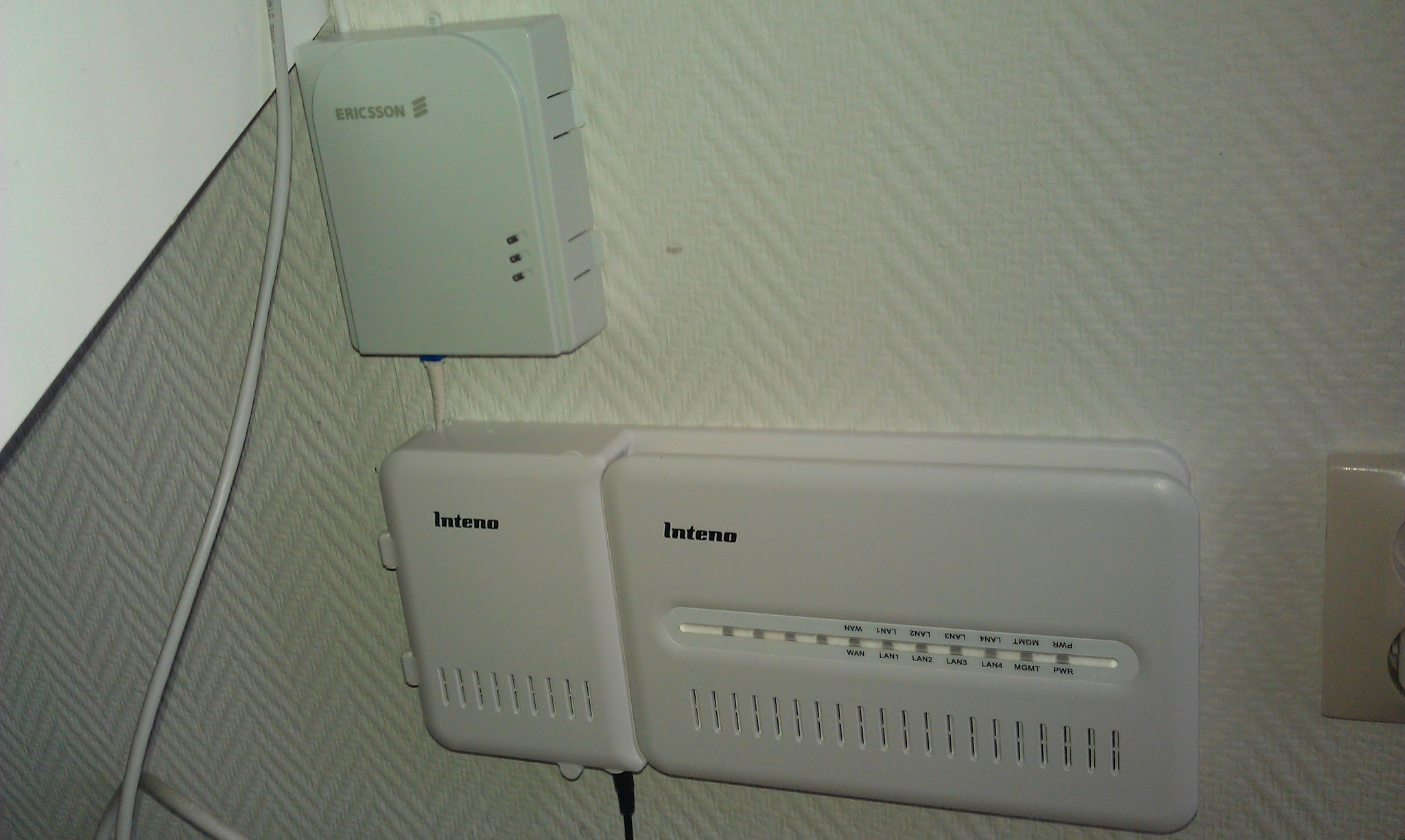
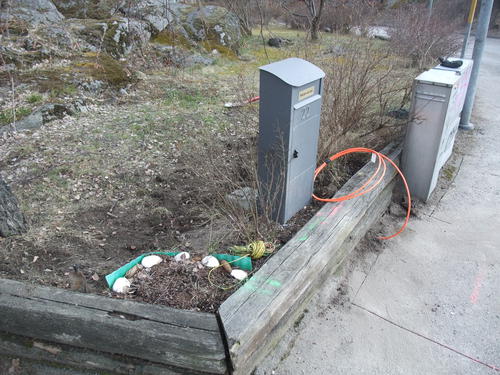
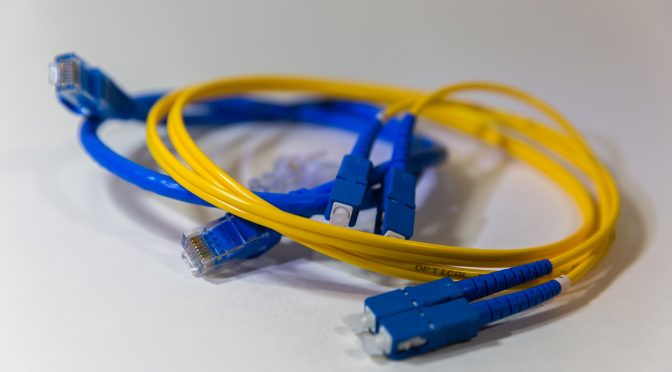
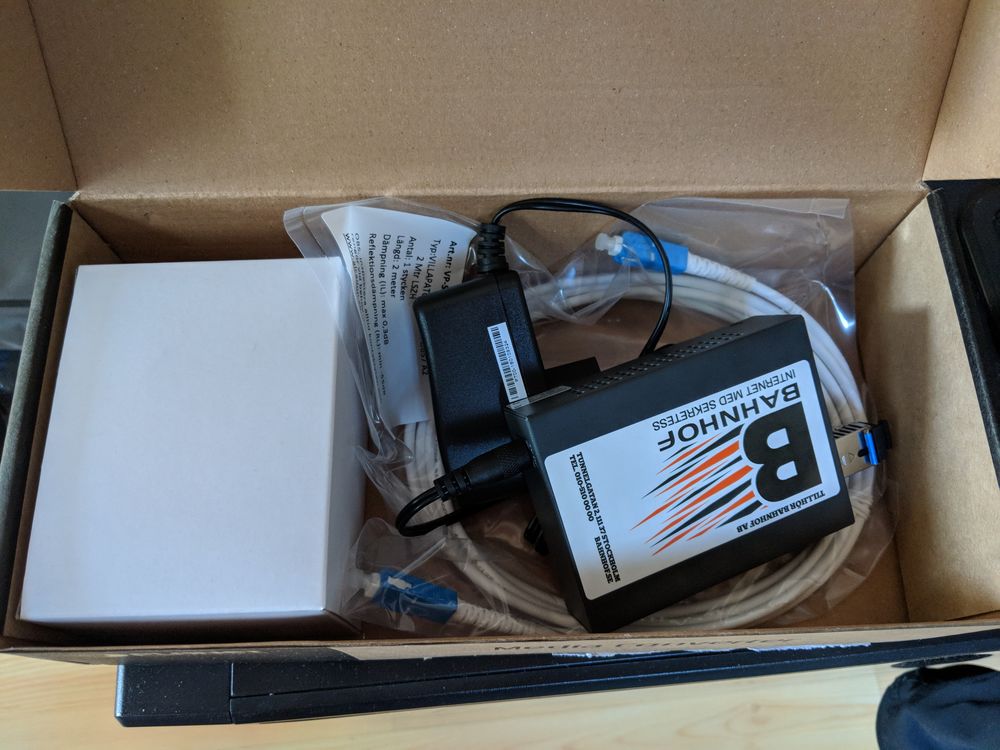
 I have fiber going directly into my house. It is still “just” a 100/100 connection in the other end of the fiber since at the time I installed this they didn’t yet have equipment to deliver beyond 100 megabit in my area. I’m sure I’ll upgrade this to something more impressive in the future but this is a pretty snappy connection already. I also have just a few milliseconds latency to my primary servers.
Having the fast uplink is perfect for doing good remote backups.
Router and wifi
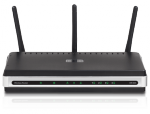 I have a lowly D-Link DIR 635 router and wifi access point providing wifi for the 2.4GHz and 5GHz bands and gigabit speed on the wired side. It was dead cheap it just works. It NATs my traffic and port forwards some ports through to my desktop machine.
The router itself can also update the dyndns info which ultimately allows me to use a fixed name to my home machine even without a fixed ip.
Frequent Wifi users in the household include my wife’s laptop, the TV computer and all our phones and tablets.
Telephony
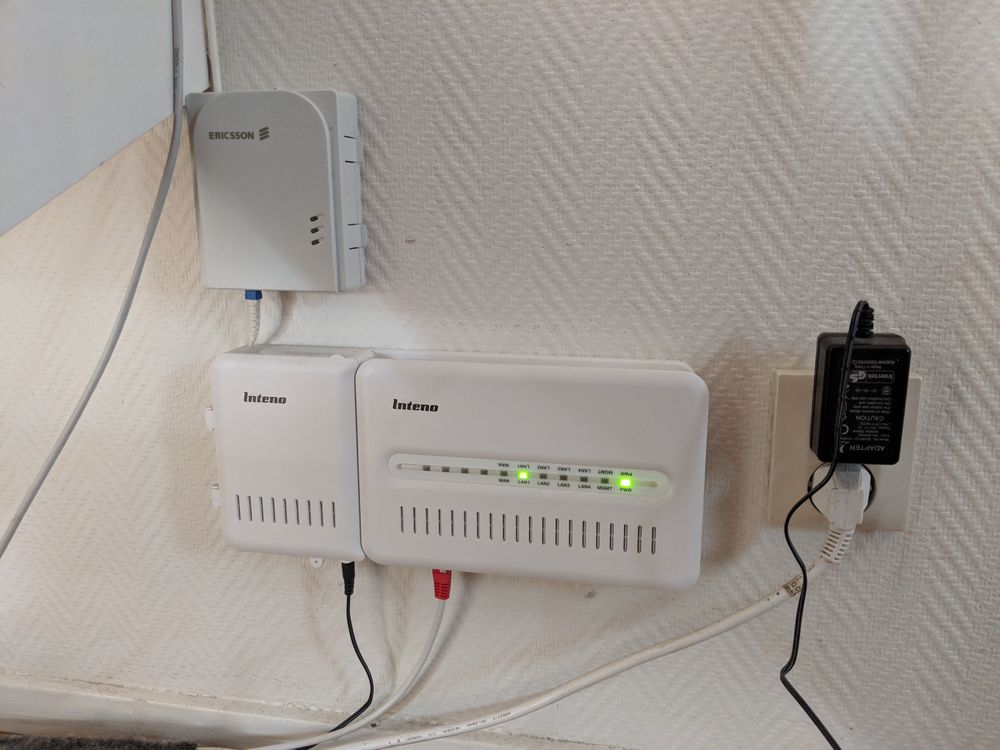
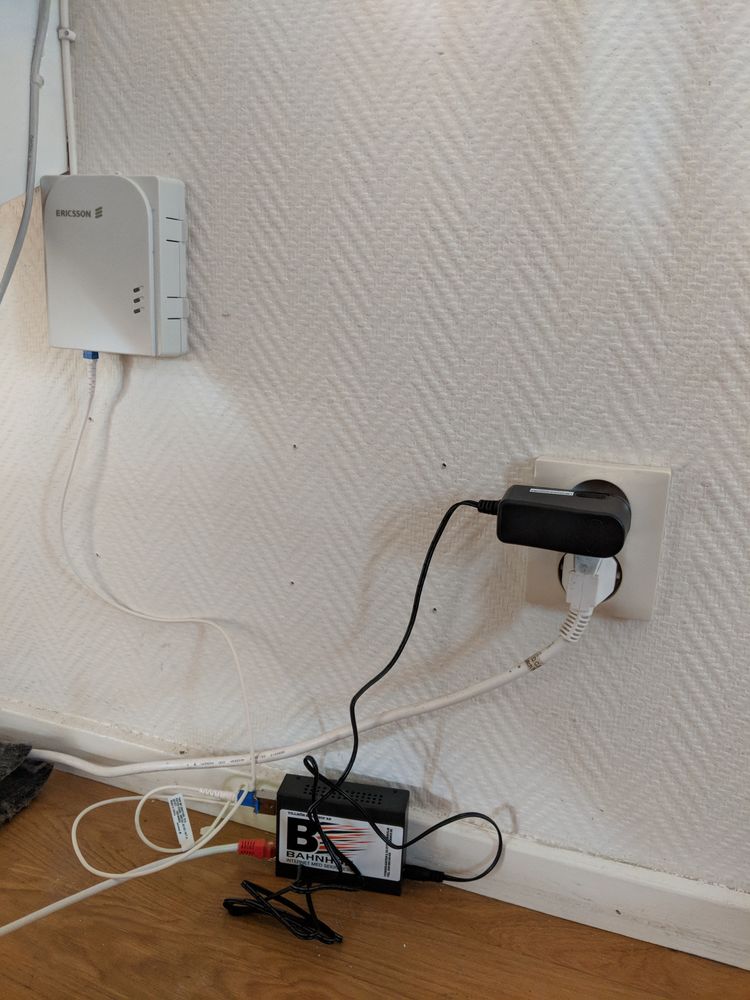
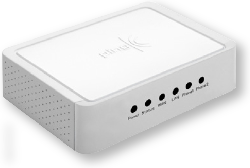
 When I installed the fiber I gave up the copper connection to my home and since then I use IP telephony for the “land line”. Basically a little box that translates IP to old phone tech and I keep using my old DECT phone. We basically only have our parents that still call this number and it has been useful to have the kids use this for outgoing calls up until they’ve gotten their own mobile phones to use.
It doesn’t cost very much, but the usage is dropping over time so I guess we’ll just give it up one of these days.
Mobile phones and tablets
I have a Nexus 5 as my daily phone. I also have a Nexus 7 and Nexus 10 that tend to be used by the kids mostly.
I have two Firefox OS devices for development/work.


 My “landline” phone in my house is connected over
 I got
I got